
Introduction
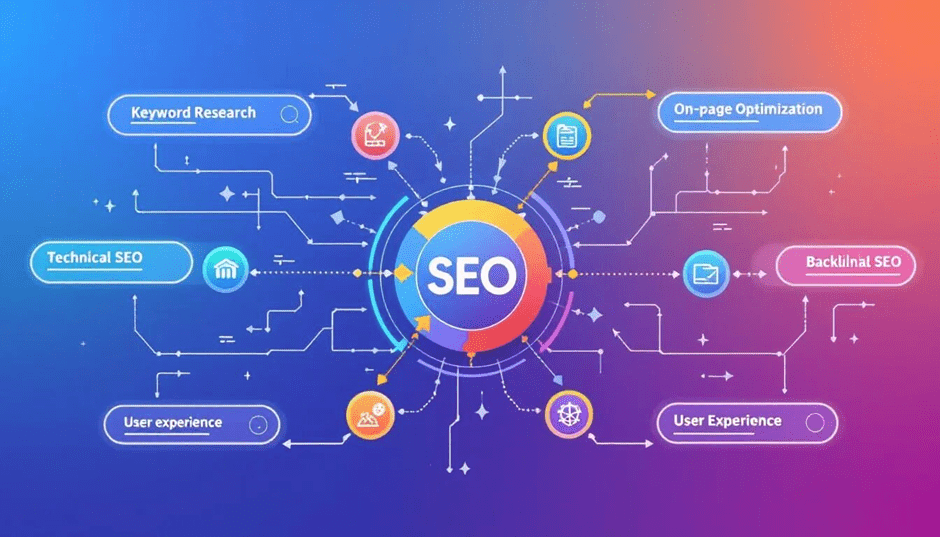
In today’s competitive digital landscape, simply creating a website is not enough. To attract visitors, generate leads, and grow your business, your website needs to rank well on search engines. This is where On-Page SEO plays a crucial role.
On-Page SEO is the process of optimizing the content and HTML elements of individual web pages so that search engines can understand them better and users can easily find the information they need. A well-optimized page not only improves your search engine rankings but also delivers a better user experience, resulting in higher engagement and conversions.
Whether you’re a beginner, blogger, business owner, or digital marketer, this guide covers everything you need to know about On-Page SEO in 2026.
What is On-Page SEO?
On-Page SEO (also called On-Site SEO) refers to the practice of optimizing the elements within your website to improve its visibility in search engine results. These elements include your content, page titles, headings, URLs, images, internal links, and technical components.
Unlike Off-Page SEO, which focuses on backlinks and external authority, On-Page SEO gives you complete control over how your website is optimized.
Why is On-Page SEO Important?
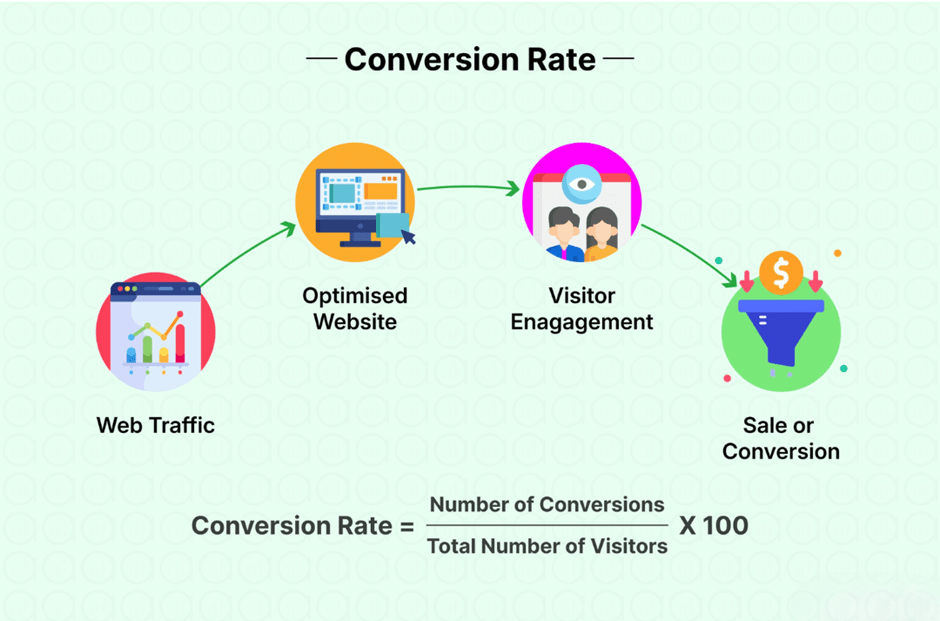
Search engines aim to provide users with the most relevant, useful, and trustworthy content. Proper On-Page SEO helps search engines understand your pages while making your website easier to navigate for visitors.
Benefits of On-Page SEO
- Increases organic website traffic
- Improves search engine rankings
- Enhances user experience
- Increases page engagement
- Improves click-through rate (CTR)
- Boosts conversion rates
- Reduces bounce rate
- Helps search engines crawl and index your website efficiently
Essential On-Page SEO Elements
1. Keyword Research
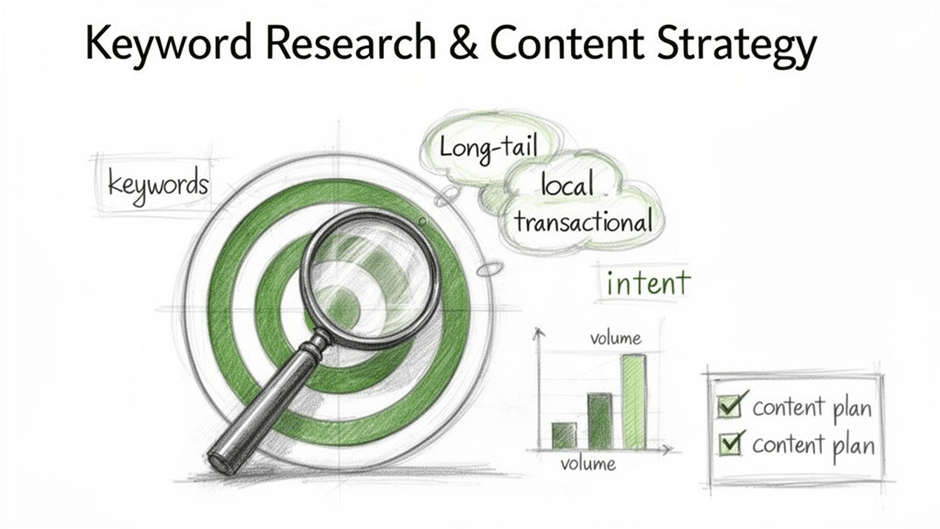
Every successful SEO strategy begins with keyword research. Identify the words and phrases your target audience uses to search for information.
When selecting keywords, consider:
- Search volume
- Competition
- Search intent
- Relevance to your audience
Use one primary keyword and a few related keywords naturally throughout your content.
2. Write High-Quality Content
Content is the foundation of On-Page SEO. Your content should answer users’ questions, provide valuable information, and solve real problems.
High-quality content should be:
- Original
- Accurate
- Easy to read
- Well-structured
- Comprehensive
- Updated regularly
Focus on helping your readers rather than simply adding keywords.
3. Optimize the Title Tag
Your title tag is one of the first things users see in search results.
Best practices:
- Keep it between 50–60 characters.
- Include your primary keyword near the beginning.
- Make it compelling to encourage clicks.
Example:
On-Page SEO Guide 2026: Complete Website Optimization Checklist
4. Create a Compelling Meta Description
The meta description summarizes your page and encourages users to visit your website.
Tips:
- Keep it between 150–160 characters.
- Include the target keyword.
- Highlight the value of the content.
- End with a call to action.
5. Use SEO-Friendly URLs
Short, descriptive URLs help both users and search engines understand your page.
Good Example: yourwebsite.com/on-page-seo-guides
Avoid: yourwebsite.com/page?id=4567
6. Use Proper Heading Structure
Organize your content with clear headings.
- H1 for the page title
- H2 for major sections
- H3 for subsections
A logical heading structure improves readability and helps search engines understand your content.
7. Optimize Images
Images enhance user engagement, but they should also be optimized.
Best practices:
- Compress large images
- Use descriptive filenames
- Add meaningful alt text
- Choose modern formats such as WebP
- Ensure images are responsive
8. Internal Linking
Internal links connect related pages on your website.
Benefits include:
- Better website navigation
- Improved crawlability
- Increased time spent on your website
- Better distribution of page authority
Example: while discussing keyword research above, this article could link to a deeper resource such as our Complete Keyword Research Guide using descriptive anchor text rather than “click here.”
9. External Links
Linking to trustworthy, relevant resources can improve credibility and provide additional value to readers.
Always ensure that external links are relevant and from reliable sources.
Example: for authoritative guidance on how Google evaluates pages, this article links out to Google Search Central documentation, a primary source rather than a second-hand summary.
10. Improve Website Speed
Page speed directly affects both user experience and search rankings.
Ways to improve speed:
- Compress images
- Minify CSS and JavaScript
- Enable browser caching
- Reduce unnecessary plugins
- Use a Content Delivery Network (CDN)
11. Mobile Optimization
Most web traffic now comes from mobile devices.
Your website should:
- Use responsive design
- Load quickly
- Have readable text
- Include touch-friendly buttons
- Display correctly on all screen sizes
12. Focus on User Experience (UX)
A positive user experience encourages visitors to stay longer and interact with your content.
Improve UX by:
- Using clear navigation
- Breaking content into short paragraphs
- Including bullet points
- Adding relevant images and graphics
- Using readable fonts and adequate spacing
13. Optimize for Featured Snippets
Structure your content to answer common questions directly.
Use:
- Numbered lists
- Bullet points
- Tables
- Short definitions
- FAQ sections
This increases your chances of appearing in featured snippets.
14. Add Schema Markup
Schema markup helps search engines better understand your content and can improve how your pages appear in search results.
Common schema types include:
- Article
- FAQ
- Product
- Review
- Organization
- Local Business
- Breadcrumb
15. Build Trust with E-E-A-T
Search engines value content that demonstrates:
- Experience
- Expertise
- Authoritativeness
- Trustworthiness
Strengthen E-E-A-T by publishing accurate information, updating content regularly, citing credible sources such as Google’s guidelines on creating helpful content, and showcasing author expertise.
On-Page SEO Checklist
✔ Perform keyword research
✔ Write original, valuable content
✔ Optimize title tags
✔ Create engaging meta descriptions
✔ Use SEO-friendly URLs
✔ Structure headings properly
✔ Optimize images
✔ Add descriptive alt text
✔ Include internal links
✔ Link to reliable external resources
✔ Improve page speed
✔ Ensure mobile responsiveness
✔ Add schema markup
✔ Use HTTPS
✔ Include clear calls to action
✔ Update content regularly
Common On-Page SEO Mistakes
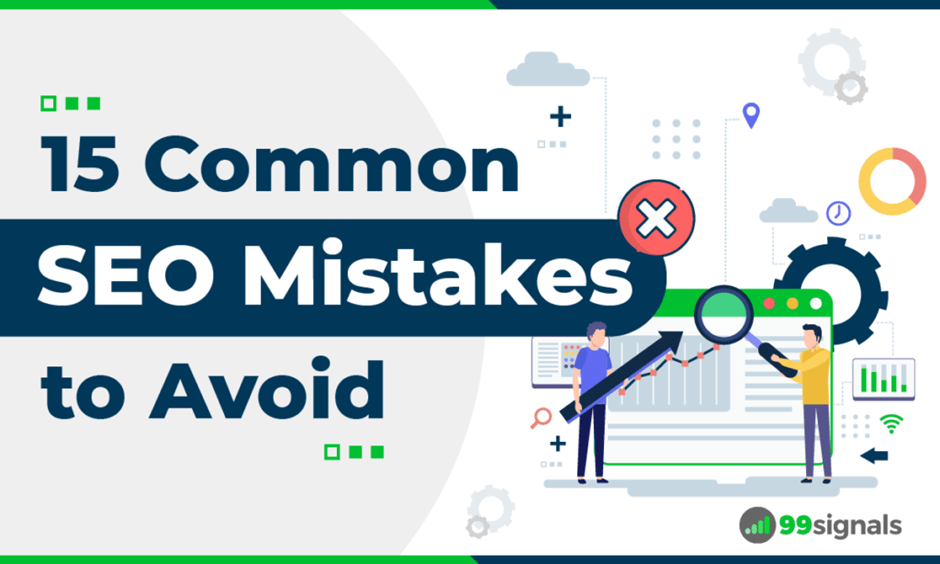
- Keyword stuffing
- Duplicate content
- Missing title tags
- Poor meta descriptions
- Slow-loading pages
- Broken links
- Unoptimized images
- Thin or low-quality content
- Poor heading structure
- Ignoring mobile users
Avoiding these mistakes will help improve your website’s performance and search visibility.
Recommended SEO Tools
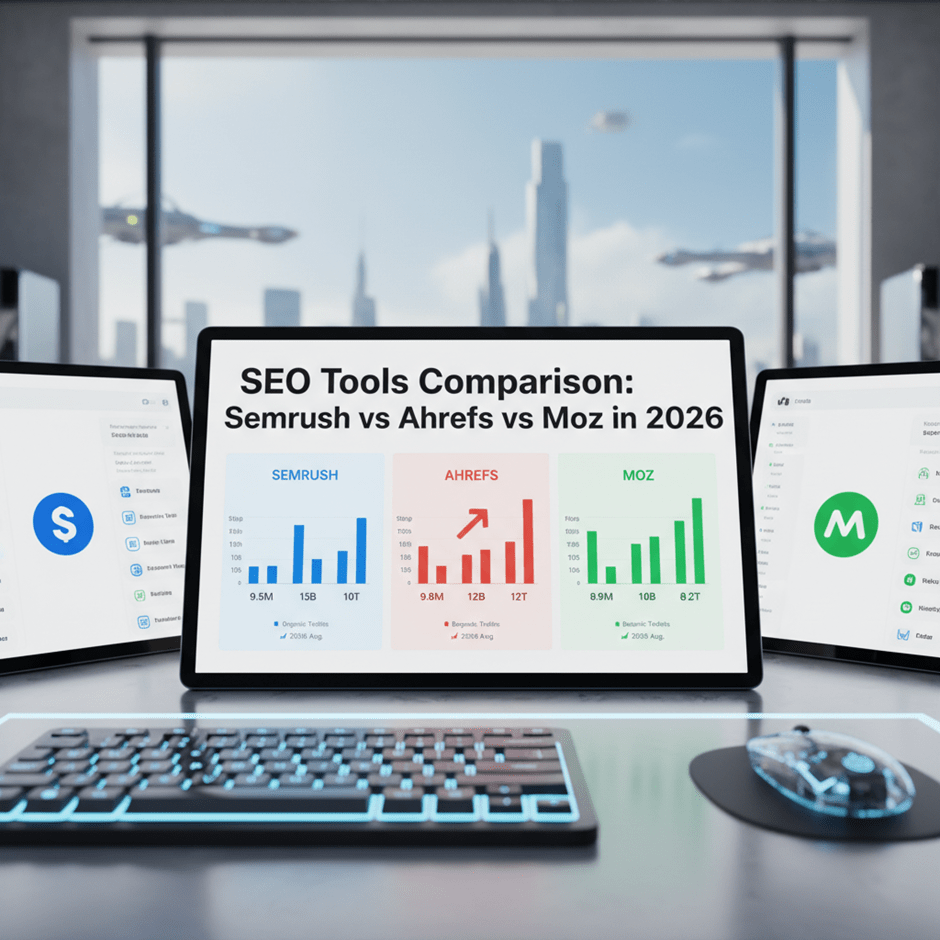
- Google Search Console
- Google Analytics
- Yoast SEO
- Rank Math
- Ahrefs
- SEMrush
- Moz Pro
- Screaming Frog SEO Spider
Conclusion

On-Page SEO is the foundation of a successful SEO strategy. By optimizing your content, titles, URLs, headings, images, internal links, page speed, and user experience, you can improve your website’s visibility, attract more organic traffic, and achieve long-term growth.
Remember that SEO is not a one-time task. Regularly review your content, update outdated information, monitor performance, and continue improving your pages based on user needs and search engine best practices.
A website that delivers valuable content and an excellent user experience is more likely to earn higher rankings and lasting success.